Audio, Visual, Textual
Sonoshee is a collection of art and art-adjacent scipts I've written for a number of side projects just for fun. These project are automated in nature, driven by a python script or two. For a more in-depth look at manual image manipulation, see my bent data post.
Github
Visual
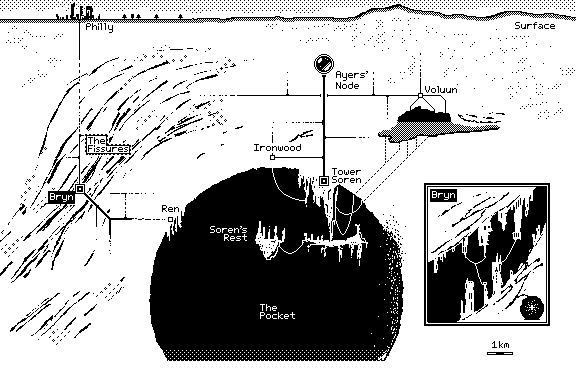
Poodle is an esoterically useful byte-to-png converter specifically designed around the .icn file format. Poodle adheres to the schema of .icn formated outputs from Noodle a 1-bit minimalist drawing app.
- Poodle loads a
.icn file as a byte-stream and collects every 64 bits of data to represent a square pixels, 8 rows of 8 pixels where each row (the information of which pixels within are "on") is represented by 1 byte.
- Create a PNG image of each 8x8 pixel square and pastes then next to one another for each row of the image (say we have a 160x80 pixels image, it will have 10 rows of 20 8x8 squares).
- Then, each row is stacked on one another to complete the image.The final image dimensions are known beforehand (thereby allowing Poodle to know how many rows to create) by extracting the dimension data from the
.icn file name.
To Poodle a Noodle: python poodle.py -i {.icn file}
I recommend making a bash alias: alias poodle='python {path_to_poodle.py} -i' so that you can Poodle Noodles more easily: poodle {file}
Doodle is the spiritual twin of Poodle. It is an equally esoteric program that converts .png files to the .icn format thereby allowing any .png to be doodled on in Noodle
Doodle works similarly to Poodle in that it investigates its input file one 8x8 pixel block at a time, but there is some differing prep-work.
- The first difference is needed to convert the incoming file into a byte-stream as well as analyze the pixel structure to isolate individual pixel data (usually a
.png pixel's contents are (R,G,B,alpha)).
- Then, all pixles are iterated over and the user-defined filter choice and threshold are applied, this dictates whether each pixel is "on" or "off". Then, the pixel array is iterated through once more in 8 bit by 8 row blocks from left to right top to bottom, taking into account the intended
.icn image width/height.
- For each block, each row is iterated over and its contents (8 bits, a single byte) are converted its corresponding hex value. As a reminder, a single 16bit hexidecimal number can represent all permutations of 8 bits.
- The resulting byte-stream is then saved out to a
.icn, making sure to name the file appropriately with the width/height contents present.
To Doodle a .png: python doodle.py -i {.png file} -f {filter choice (red,blue,green,aplha)} -t {hex value threshold 0-255}
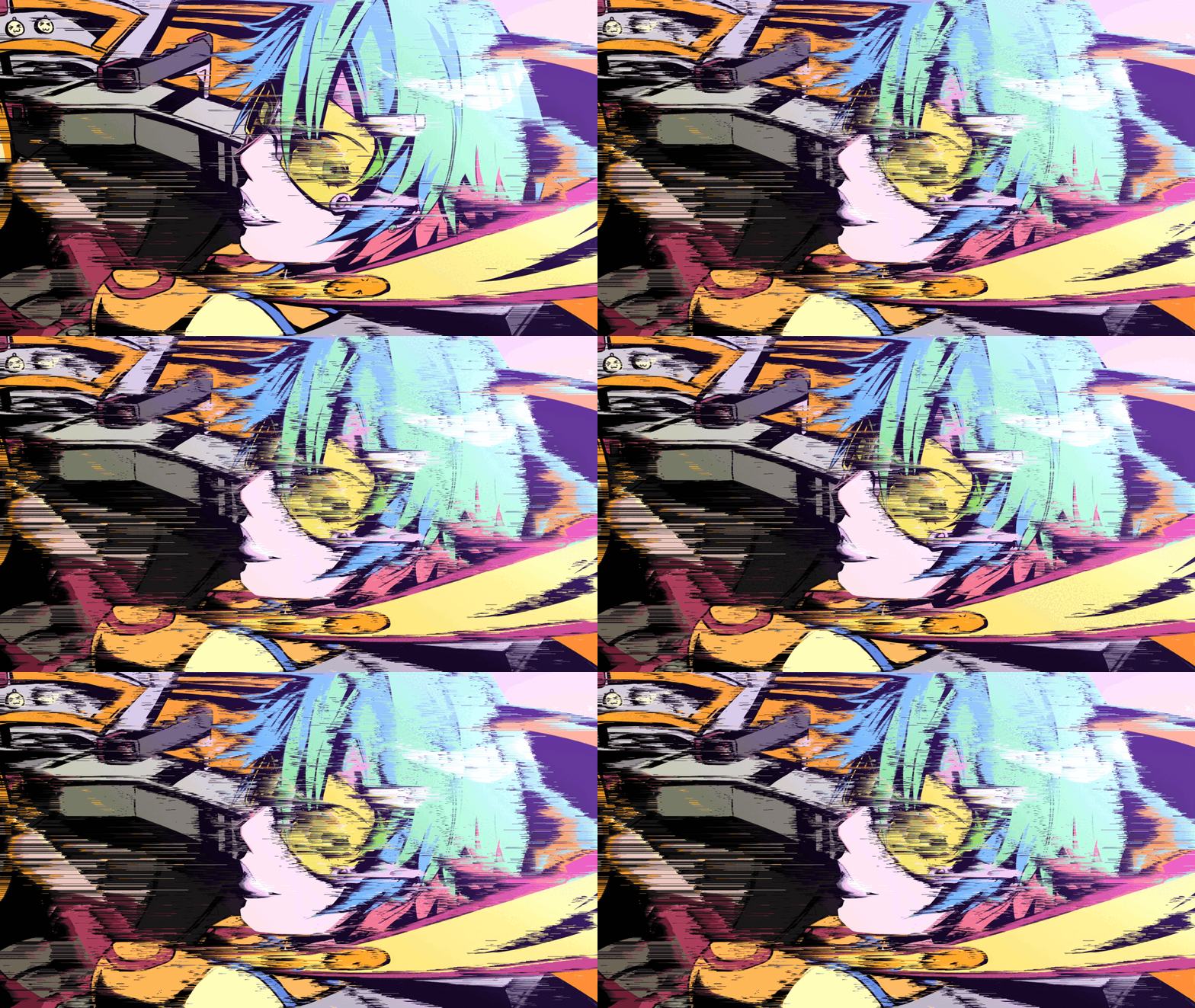
pixel-sort is a pixel sorter that utilizes Sobel filter masking to selectively sort image pixels. With several scale factor knobs, image series can be generated and stitched into glitchy gifs. Without filter masking, images are smeared by organizing pixels by their perceived luminosity.
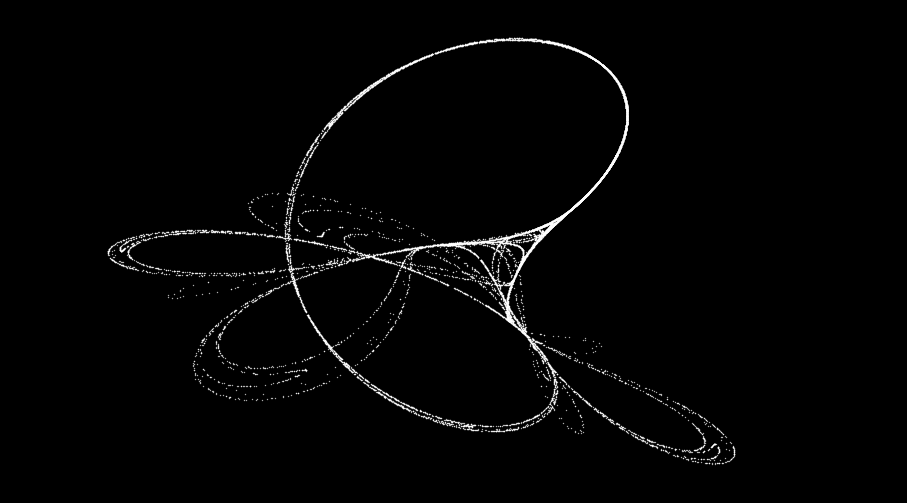
tinker is a self-contained python script which iteratively constructs visualizations of a chaotic dynamical system: The Tinkerbell Map.
The Tinkerbell attractor can be described by (in LaTeX):
    $$x_{n+1}=x_{n}^{2}-y_{n}^{2}+ax_{n}+by_{n}$$

    $$y_{n+1}=2x_{n}y_{n}+cx_{n}+dy_{n}$$
With this simple definition, and a few tens of thousands of iterations, the Map becomes visible. A set of chaotically related points, never diverging far from their initial starting point and yet never repeating.
Textual
OhHiMarkov is a one-ahead markov-chain constructor for given .txt files. The data structure constructor works as follows: for each word in the file, record the following word in a hashtable. That's it! Then, traversing the data structure is simple, for some n number of words, randomly start at a key within the structure, record the associated value, then use that value as the next hashtable key and randomly choose from its paired values. Repeat n times.
python markov.py {.txt file of source} {# of iterations}
Sample sentences after consuming the contents of the entire text content of the blog you are currently reading:
- Departure from determinism and rigid logic is difficult to accept, let alone a tree within this desert.
- Drove for a lunch buffet where the chefs seemed to be a lovely constant in my life.
periodic is a CLI tool which allows for quick lookups of any element from the periodic table. The element data is collected previously by iterating over the Wikipedia elements list and storing metadata in a local .tsv